Cybercrime is becoming a significant threat to everyday people in Nepal, extending beyond just large companies or tech experts.
Cybercriminals are increasingly targeting individuals through phishing scams and ransomware attacks.
However, there’s no need to panic; this blog will guide you through 10 straightforward effective tips to help you defend against malware attacks and stay safe online in Nepal.
If you’re looking the best way to protect your data, DataHub Nepal provides a trustworthy backup service in Nepal to help you safeguard your data against cyber threats effectively.
Table of contents
- What is Malware?
- Types of Malware
- Why is Nepal Vulnerable to Cybercrime?
- 10 Successful Tips to Prevent Malware Attacks
- 1. Have a Reliable Backup Solution:
- 2. Install Reliable Antivirus Software:
- 3. Keep Your Software Updated:
- 4. Protect Your Data with Anti-Ransomware Software:
- 5. Use Strong Passwords and Two-Factor Authentication:
- 6. Avoid Clicking on Suspicious Links:
- 7. Be Cautious with Email Attachments:
- 8. Educate Yourself and Others:
- 9. Use a Firewall:
- 10. Secure Your Wi-Fi Network:
- 11. Monitor Your Online Accounts:
- Conclusion
- FAQs
What is Malware?
Malware stands for “malicious software,” refers to any program created to damage your device, steal your information, or interfere with your online activities.
Think of it as a digital burglar that penetrate your computer or smartphone without your consent.
Malware can take on various forms, and each type has its unique method of causing problems.
Types of Malware
Now, let me explain the most common types of malwares so you can better understand what you’re dealing with.
1. Viruses:
These are programs that attach themselves to clean files and spread throughout your system.
They can corrupt your files, slow down your device, and even cause it to crash. Think of a virus like the flu; it spreads quickly and can make your computer “sick.
2. Ransomware:
This type of malware can lock your files or device and hold them hostage until a payment, often in cryptocurrency, is made to unlock them.
It’s similar to having a digital kidnapper demanding money for the return of your data.
3. Spyware:
Spyware secretly tracks your online activities. It can steal sensitive information such as passwords, credit card numbers, and even your browsing history.
Imagine someone looking over your shoulder while you type; it’s that intrusive.
4. Adware:
Adware bombards your device with annoying pop-up ads.
While it may not steal your data, it can slow down your device and make it frustrating to use.
It’s like turning your computer into a constant advertisement.
Why is Nepal Vulnerable to Cybercrime?
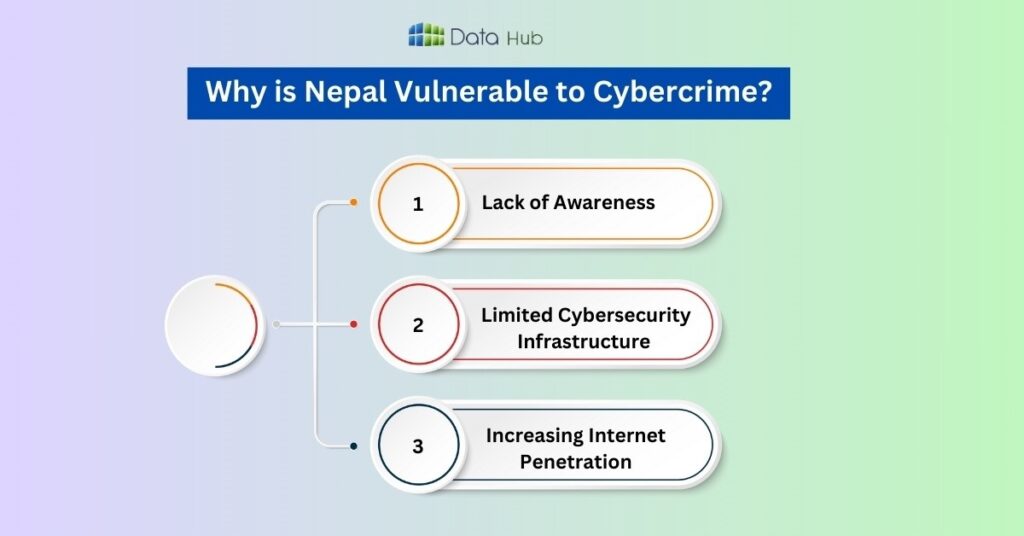
Nepal is becoming a hotspot for cybercrime, and here’s why:
1. Lack of Awareness:
Many people in Nepal don’t fully understand the risks of cybercrime.
They might click on suspicious links or download files without thinking twice, making them easy targets.
2. Limited Cybersecurity Infrastructure:
Nepal cybersecurity systems are still developing. This means there are gaps that cybercriminals can exploit to carry out their attacks.
3. Increasing Internet Penetration:
As more people in Nepal get access to the internet, the number of potential targets for cybercriminals is growing rapidly.
Unfortunately, not everyone knows how to protect themselves online.
10 Successful Tips to Prevent Malware Attacks
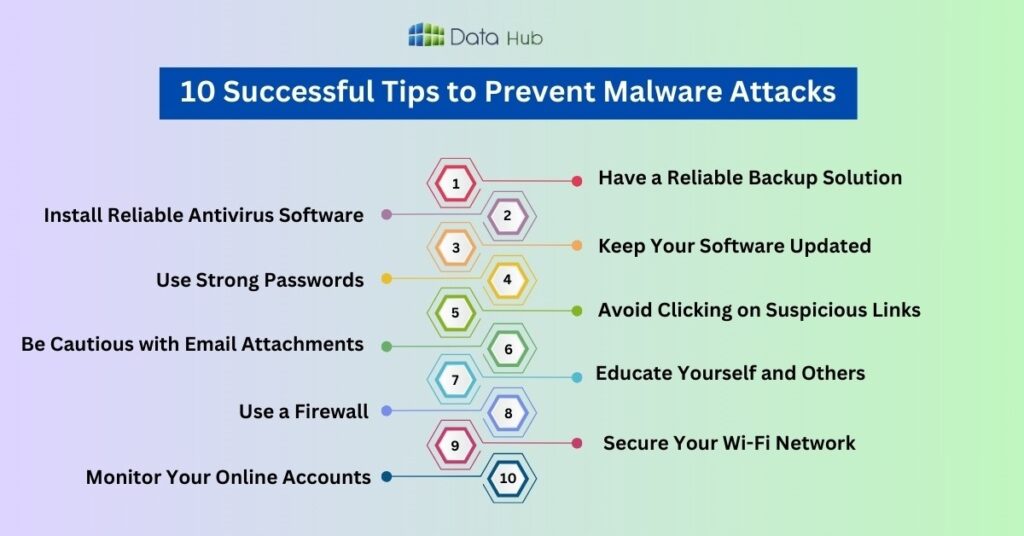
Now that you know what you’re up against, here are 10 practical tips to keep malware at bay:
1. Have a Reliable Backup Solution:
A reliable backup of your data stands as the only method that effectively fights against ransomware attacks and cybercrime.
A backup system guarantees your data safety in case of file theft or encryption because it allows you to retrieve your files without surrendering ransom payments.
For a safe and reliable backup service in Nepal, DataHub Nepal is a great choice.
At DataHub Nepal we design safe backup solutions that defend businesses from cyber dangers against their personal information.
Your data remains protected through DataHub Nepal backup systems which operate continuously for malware attack scenarios.
2. Install Reliable Antivirus Software:
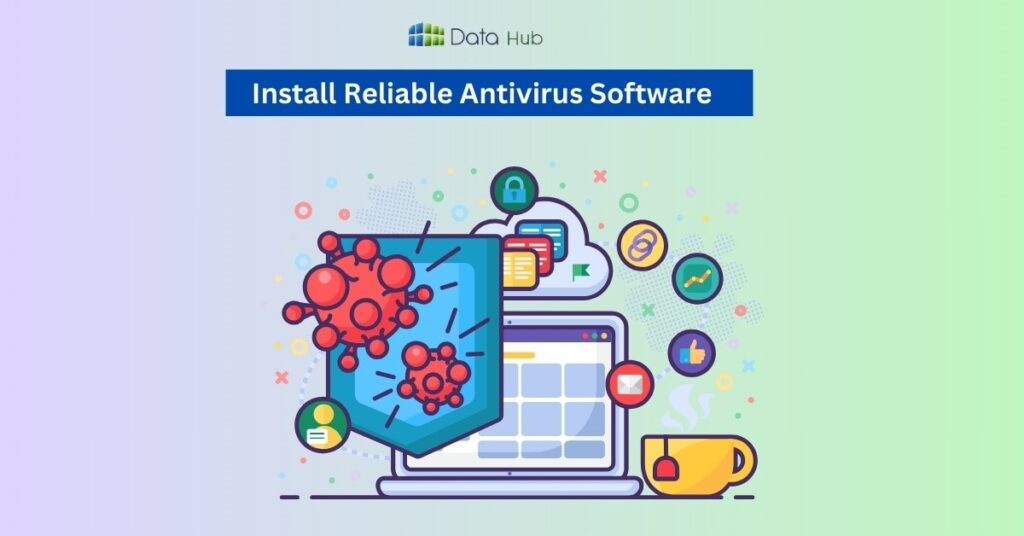
Antivirus software works like a shield for your device. It scans your system for threats and removes them before they can cause harm.
Choose a trusted antivirus software and keep it updated. Free ones are all right, but most paid versions provide better protection.
3. Keep Your Software Updated:
Updates are not only about new features, but most also often they are security patches that fix certain bugs.
On the other side, neglecting the updates opens you up to a host of attacks.
Think of it like locking your doors at night: it’s a simple step that can save you a lot of trouble.
4. Protect Your Data with Anti-Ransomware Software:
To prevent ransomware attacks, you can use anti-ransomware software’s.
This easy-to-use tool helps recover your data with ease.
It works on Windows VMs and uses Mirror Shielding™ to keep your files safe, allowing you to quickly restore important data without having backup.
5. Use Strong Passwords and Two-Factor Authentication:
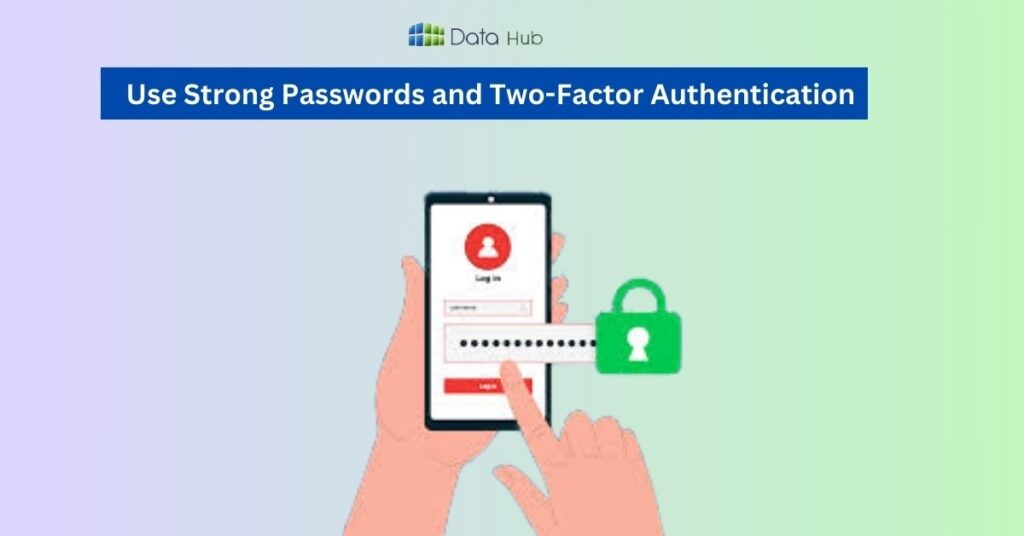
A strong password is your first line of defense. Easy-to-guess passwords like “123456” or “password” should be avoided. Use a mix of letters, numbers, and symbols instead.
To add an additional layer of security, turn on two-factor authentication (2FA). Besides the password, 2FA requires one other method for verification-a code sent to the phone.
6. Avoid Clicking on Suspicious Links:
E-mail attachments are one of the common ways malwares get spread. If you get an attachment from someone whom you don’t know, don’t open it.
Even if it’s from someone you trust, be suspicious; their account may have been hacked.
7. Be Cautious with Email Attachments:
Email attachments are a common way for malware to spread.
If you receive an attachment from someone you don’t know, don’t open it.
Even if it’s from someone you trust, be cautious their account might have been hacked.
8. Educate Yourself and Others:
The more you know about cyber threats, the better you can protect yourself. Take the time to learn about common scams and how to avoid them.
Share this knowledge with your friends and family to help them stay safe too.
9. Use a Firewall:
A firewall acts as a barrier between your device and the internet, blocking unauthorized access.
Most operating systems come with a built-in firewall, so make sure it’s turned on. It’s like having a security guard for your digital home.
10. Secure Your Wi-Fi Network:
An unsecured Wi-Fi network is like an open gate for cybercriminals.
Make sure your Wi-Fi is password-protected and uses strong encryption (like WPA3). Avoid using public Wi-Fi for sensitive activities like online banking.
11. Monitor Your Online Accounts:
Regularly check your online accounts for any suspicious activity.
If you notice anything unusual, like unfamiliar transactions or login attempts, change your passwords immediately.
Early detection can prevent bigger problems down the line.
The Role of Government and Organizations in Cybersecurity
While individual efforts are important, the government and organizations also play a key role in fighting cybercrime.
Strengthening cybersecurity laws, raising awareness, and investing in better infrastructure are essential steps to protect the nation.
As citizens, we can also advocate for stronger cybersecurity measures.
Conclusion
Cybercrime is a serious threat in Nepal, but by following these 10 tips, you can significantly reduce your risk of falling victim to malware attacks.
Stay careful, stay informed, and take proactive steps to protect your digital life. Remember, cybersecurity is not just for tech experts it’s for everyone.
FAQs
Ransomware and spyware are among the most common types of malwares in Nepal, often targeting individuals and small businesses.
Signs of a malware infection include slow performance, frequent crashes, unexpected pop-ups, and unauthorized changes to files or settings.
Free antivirus programs can provide basic protection, but they often lack advanced features. For comprehensive security, consider investing in a paid antivirus solution.
Disconnect your device from the internet, run a full antivirus scan, and change your passwords. If necessary, seek professional help to remove the malware.
You can report cybercrime to the Nepal Police Cyber Bureau or through their official website. Provide as much detail as possible to assist in the investigation.